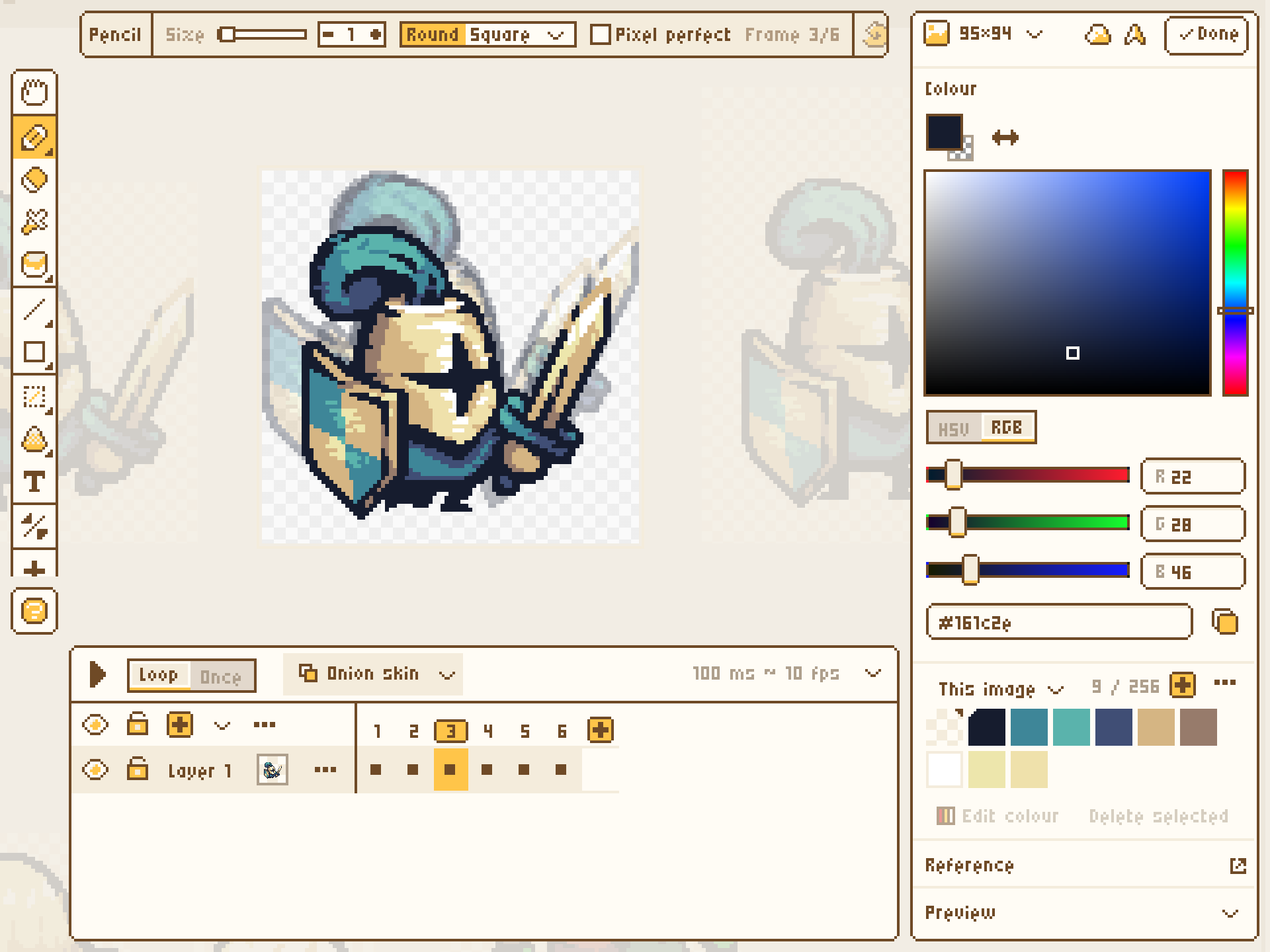
Every stroke is captured while you draw, so your devlog clip already exists when the sprite is done. Watch it back, turn it into a video with Pro, and post your art to 15 places without resizing it once.
You finish a great sprite and only then remember you never hit record.
New images record themselves from the first stroke, with nothing to turn on.
Cutting a process clip takes longer than drawing the sprite did.
With Pro, pick up to 15, 30 or 60 seconds and get a video that ends on your finished art.
Every platform wants a different size, and small pixel art comes out blurry.
Each destination gets its best shape, enlarged by whole numbers so every pixel stays sharp.
Your animation posts as a frozen thumbnail.
Where a feed plays native video it goes as video, and on Discord it goes as a GIF that plays.
Timelapse
It starts with your first stroke.
Nobody remembers to hit record before a good drawing. On a signed-in account, every new image, animation, tile and tileset records itself, with nothing to turn on. It captures the art alone, with no cursor, interface or other work from your canvas. Open it whenever you want to watch a sprite come together, at up to 8× speed.
How to
1In the editor, open the image menu and choose Timelapse.
2Press Play, drag along the timeline and set Speed from 0.5× to 8×.
3On an image from before recording began, choose Start recording to pick up from what's there.
Tip Recording never gets in the way of drawing. If a timelapse fills up it stops and tells you, and playback skips any gap instead of inventing strokes.
Pro turns the recording into a video with no editing software. Pick a limit of 15, 30 or 60 seconds, or Full for up to three minutes, and a short drawing makes a shorter clip. It plays your strokes, holds on the finished piece and, if it's an animation, plays that too. The picture follows whichever frame you were drawing on, and the video is made right in your browser.
How to
1Open Share and choose the Timelapse tab.
2Pick a Length of 15s, 30s, 60s or Full.
3Download it, or pick a platform under Post to.
Tip Video has no transparency, so a transparent background turns white.
Posting one sprite to five sites usually means five exports. Here you pick the destination and it gets the right shape, like 4:5 for Instagram and 9:16 for TikTok and Shorts. Animations go as video where a feed plays it, and as a GIF on Discord. You still press post on the platform, so nothing goes out without you.
How to
1Select an image and open Share.
2Under Post to, choose a destination. More holds the rest.
3Or use Copy image or Share via….
4Need game files instead? Export for game engines… takes you to the real export.
A walk cycle should keep walking wherever you post it. From the Animation tab, save it as a GIF, an MP4 or a still PNG, or turn it into a Live Photo or a Motion Photo for your phone. All of it works on Free, with a small site mark that Pro can turn off. The preview beside the options shows the file you'll get.
How to
1Open Share and choose the Animation tab.
2Use the arrow beside Download to pick a format.
3Choose Live Photo, or Motion Photo on Android, to save the loop for your phone.
Tip Live Photo and Motion Photo appear on devices whose browser can make them.
Publish gives you a public page that shows your art sharp and moving, with its title and your name. Viewers don't need an account, and they can't edit it or reach your layers. After an edit, Update refreshes the same link. Add a credit to your files on any plan. Pro removes the site's mark and adds a custom background colour, plus your own stamp on the files you download or post.
How to
1In Share, set Background and Margin. Size shapes the files you download or post.
2Add your name or handle under Credit.
3On Pro, give your files a Stamp. Pick one of your project's small images and drag it anywhere on the picture.
4Choose Publish for your page, and Unpublish whenever you want it gone.
Yes, on signed-in accounts. New images, animations, tiles and tilesets record from the first stroke. Drawing as a guest isn't recorded, and older images start when you choose Start recording.
Is the timelapse free?
Recording and replay are free. On Free, a project records up to 2 MB of timelapse, kept for 7 days after the last recording. Pro keeps them and can export them as video.
What video format do I get?
An MP4 at 30 frames per second in browsers that can encode H.264. Other browsers may produce a WebM, and one that can't make video at all will tell you to try Chrome or Safari.
Can people edit my art from a share link?
No. The page is view-only and shows the finished picture or animation, with no layers or source file. Unpublish turns the link off, though copies people already saved stay with them.
Is there a watermark?
On Free, share images and videos carry a small site mark. Pro can turn it off. Game engine exports never carry it.
Does it post for me?
No. It opens the platform with the right file or link ready, and you confirm the post there.
Your game's art deserves one home.
Open a canvas and draw the first sprite. The rest of the game can move in when it's ready.